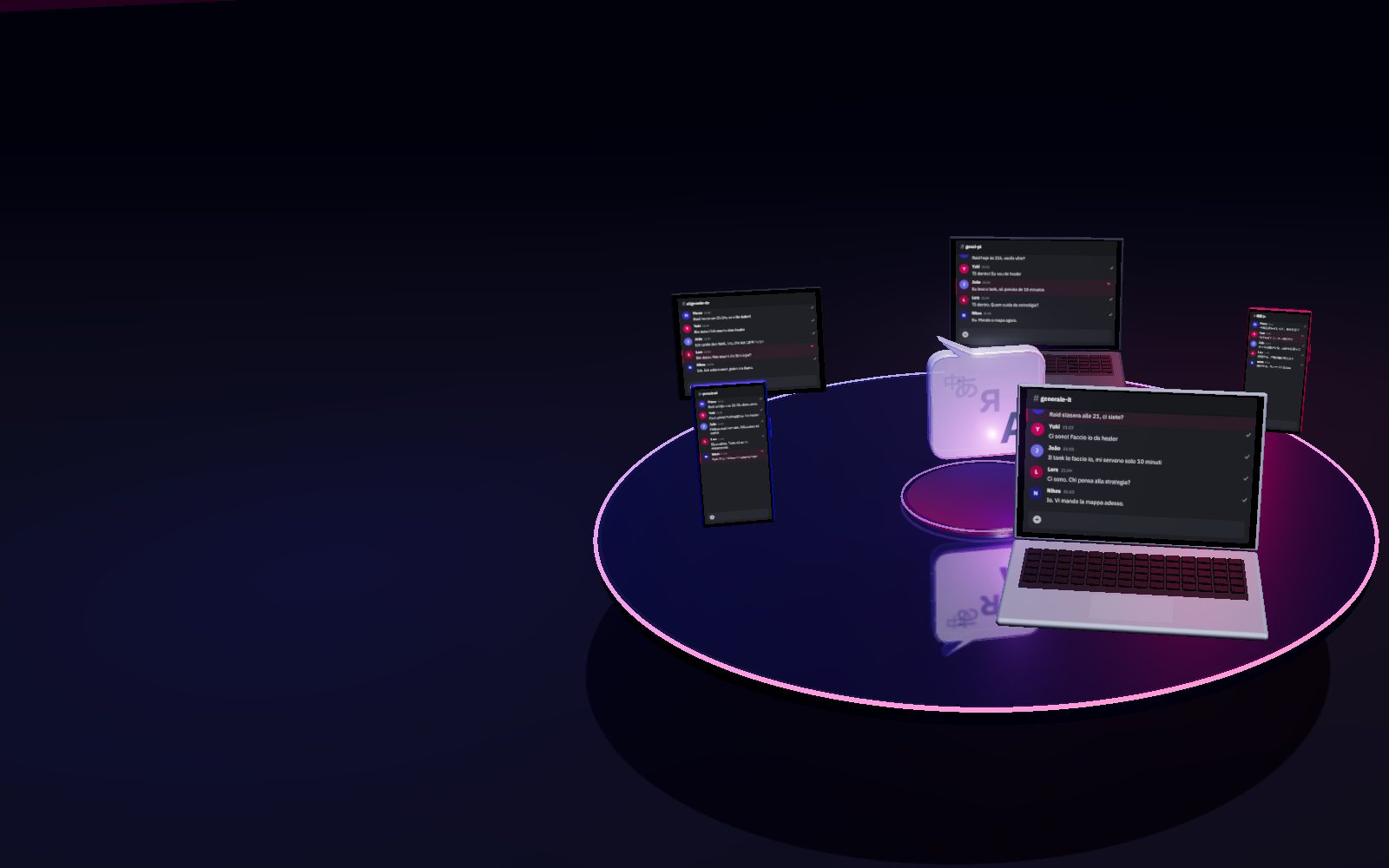
Translation that knows your community.
The same word can mean different things depending on who's writing. DeBabel learns and understands what your community is talking about and translates the way you mean it, in real time, in every language.
One message. Everyone reads it in their own language.
Built for
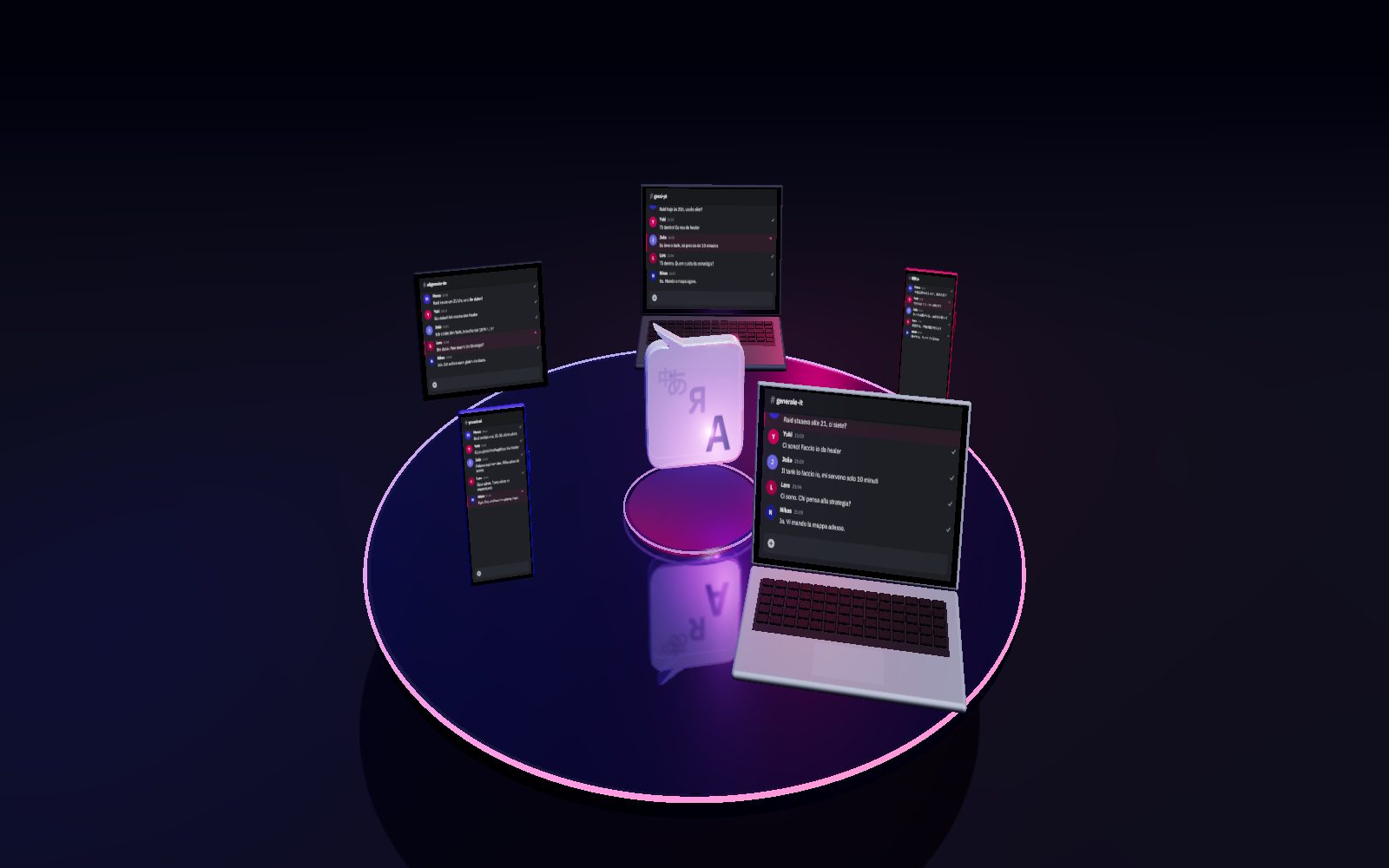
Your browser can't show the 3D scene, so here is the conversation as it looks in the five channels.
184+
ISO languages accepted
<1s
from message to translation
4
steps to go multilingual
100%
conversation, not just text
1 message, every language, instantly
Write once. Everyone reads it in their own language, right away.
See howOne conversation, in every language
Edits, reactions, thread replies: everyone lives them together, translated.
What it doesA few clicks and your server speaks every language
A wizard guides you. No config files, no commands, zero documentation to read.
SetupNew: two ways to keep translation alive
Full control for the admin, members never worry about costs.Or let the community chip in.
The two modelsOne message. Everyone reads it in their own language.
Marco writes in Italian. Every member sees the same conversation in their own channel, translated into their own language. No more walls of text they can't read.
- tank
- stays “tank” in your guildnot “armored vehicle”
- bat
- a baseball bat for your teamnot the animal
- bank
- the river bank for hikersnot the bank
Pick a sentence. It reaches everyone, each in their own language.
01 / 04Setup
Watch it install. In 4 steps.
No files to edit, no commands to learn. Add the bot to your server: in the #debabel-setup channel click Start Setup and the wizard does the rest. If you can click a button, you can install it.
 DeBabelBOT
Step 1/4: Describe your server
A few quick questions to translate with the right tone.
🎮 Gaming
🌍 Region: Europa
✅ Confirm and continue
Step 2/4: Channels per language
I'll create a dedicated channel for each language:
🇬🇧 general-en🇮🇹 generale-it🇯🇵 general-ja
➕ Add/edit▶️ Continue
Step 3/4: Member onboarding
Welcome message for new members?
✅ Yes, enableNo, skip
Notify current members via DM?
✅ YesNo
Step 4/4: Credits and confirm
🌐 Community (recommended)
I'll create 3 channels · 3 language roles · 1 admin channel.
✅ Apply configuration
Multilingual server ready.
3 channels created · 3 language roles · admin channel active.
Your members can already each write in their own language.
From install to first translated message in under two minutes. no manual to study
[preview, to be replaced with the real wizard recording]
02 / 04What it does
Everything you expect from a real conversation, translated.
It's not "a bot that translates sentences into other languages." It's the same conversation, lived by everyone on equal terms, each in their own language.
- 01
Edits always in sync
Fix a message and everyone instantly sees the right version in their own language. No misunderstandings.
- 02
Delete once, gone for everyone
Remove a message and it vanishes for anyone, whatever language they were reading it in.
- 03
Replies and threads stay clear
Reply or open a thread: everyone follows the conversation without losing the context, in their own language.
- 04
Shared reactions
An emoji from one person reaches everyone: the conversation stays alive and shared for everyone.
- 05
Always right in your context
On your server a "tank" is a role, not an armored vehicle. DeBabel understands your community's slang and never mistakes the meaning.
- 06
GDPR ready
Your texts are never used to train models and translation providers don't retain them. Delete your data with one command, anytime. EU residency on request.
How it sustains itself
Two ways to keep translation alive
DeBabel runs on credits. Choose who manages them and how: it's how the bot sustains itself, and it shapes your members' experience.
Community · Everyone chips in
Every member can contribute credits to the server, even a few at a time. Translation is a shared good, maintained by those who use it.
Admin only · Admin manages, others just use
The admin manages credits discreetly, behind the scenes. Members just see translation that works.
03 / 04Pricing
Honest pricing, simple choice.
Try DeBabel free: two full weeks to see it at work on your community, no card and no commitment. As your server grows, you top up only when you like, and your server's first purchase always comes with 10% bonus credits. An included threshold of 400 translations per day covers most servers.
300 / day
GIFT
Starter
To get started, or to give as a gift.
€2
one-time · 20 credits
~5 days at the rate you chose
GIFT+
Mini
For small servers, or a nice gift.
€5
one-time · 55 credits
~14 days at the rate you chose
Most popular
Small
The choice for most servers.
€10
one-time · 120 credits
~30 days at the rate you chose
Medium
Larger, more active communities.
€20
one-time · 250 credits
~62 days at the rate you chose
Larger packs available as DeBabel grows. Secure payments, automatic billing. Same pricing for the Community and Admin-only models: only who can buy and how members are informed changes.
For corporate and regulated servers
Same DeBabel experience, but with translation processing entirely within the European Union. For those with EU data residency requirements. Write to us at info@debabel.org.
04 / 04FAQ
Frequently asked questions
What languages does it support?
Do my translations go through external services?
Can I keep data in Europe? What about Discord?
How good are the translations?
What happens to my messages after they're translated?
/debabel privacy delete-my-data.Can I uninstall the bot and/or delete my data?
/debabel privacy delete-my-data (with confirmation). Uninstalling the bot: the admin can remove DeBabel from the server with /debabel-server action uninstall (removes channels and roles, double confirmation), or remove the bot from the server settings. For a total deletion, including all data, a full wipe option is available during uninstall. You'll find all the details and other options about your data in the Privacy Policy.Who we are
Ready to remove the language barrier from your community?
Add DeBabel to your server in two minutes, no files to edit.
Add to your Discord server